
What is Digital Signage?
At TrouDigital we’re always being asked “what is digital signage?”. That’s why we’ve put together this page for everything you need to know about digital signage.
From hardware and software, to use cases and FAQs we’ve got you covered!
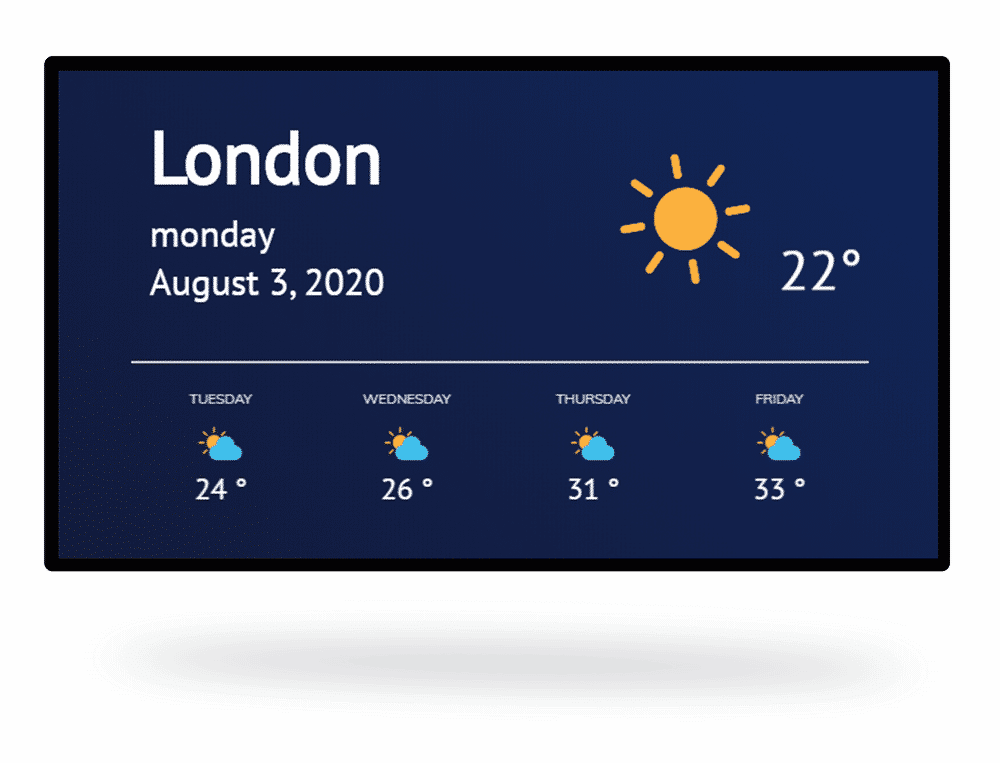
Everything you need to power your digital displays
Software | Media Players | Screens
Software
Manage your screens
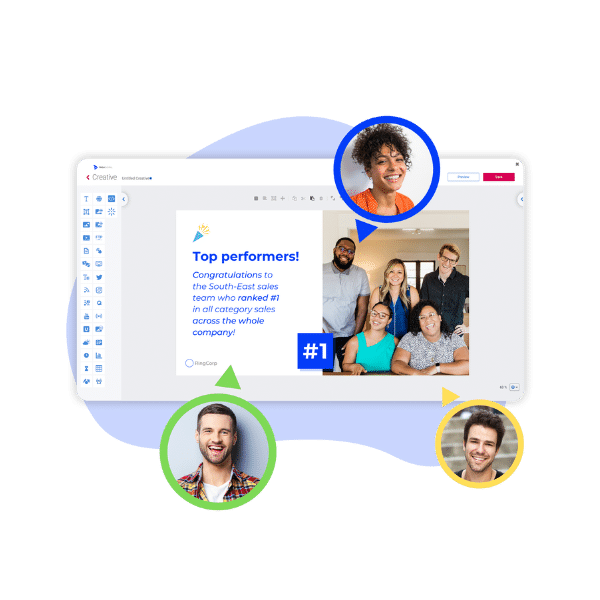
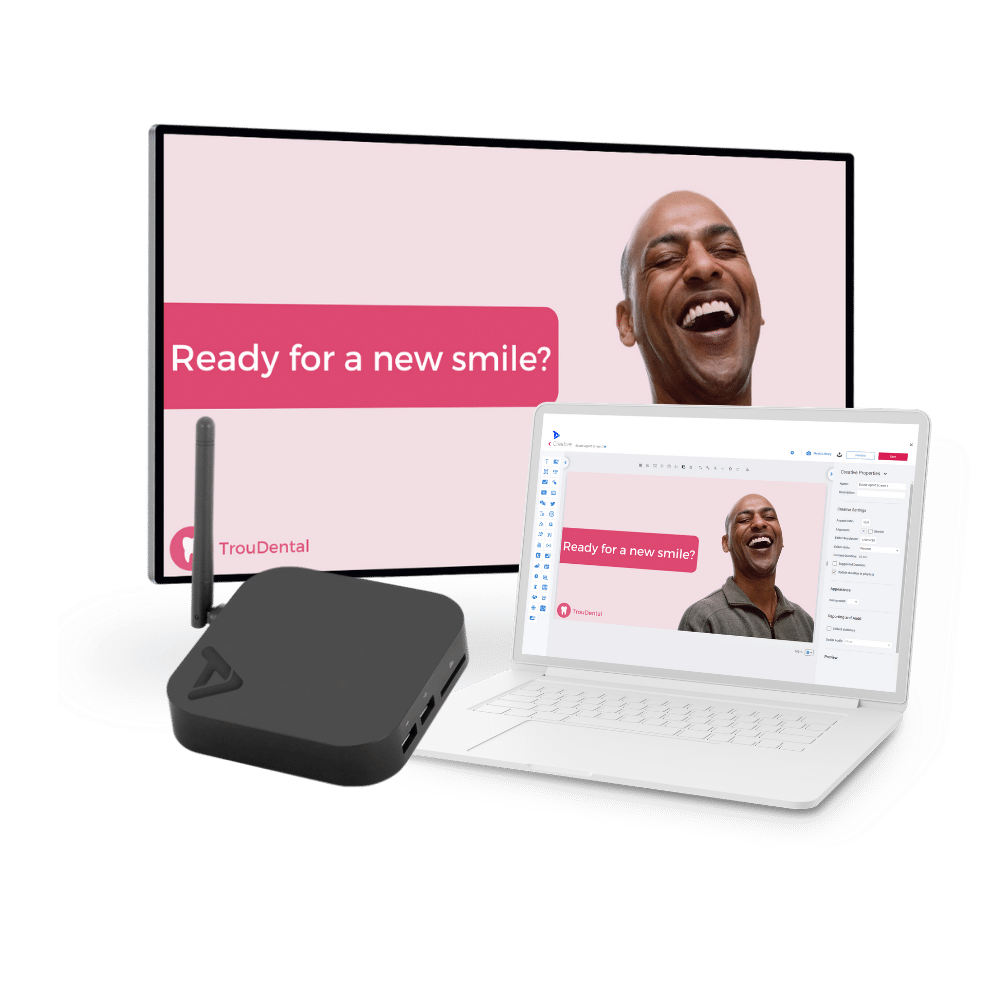
Effortlessly create, schedule, and manage professional digital signage content on the TrouDigital platform. Manage one or thousands of screens from one central dashboard.
Hardware
Display your messages
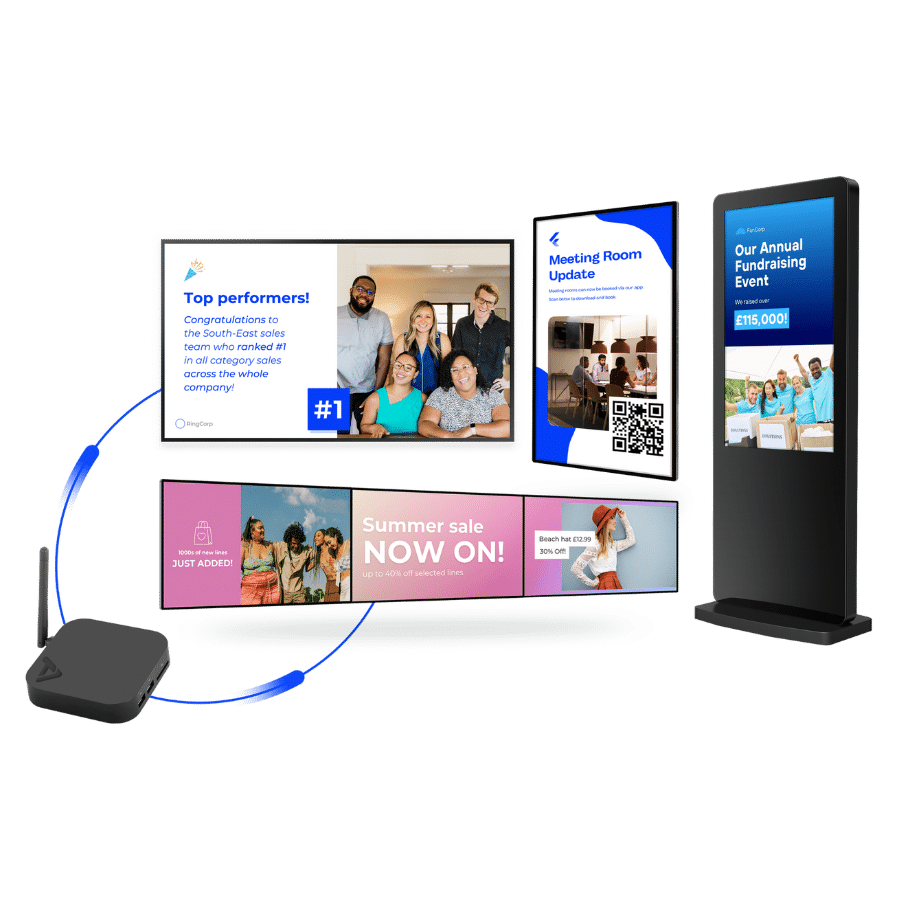
Our solution works on any screen with an HDMI input. Simply connect our pre-configured media players to link our platform to your screens. We offer screens to suit all project requirements.






What Do People Mean By Digital Signage?
So what is digital signage anyway? It’s extremely important to understand what digital signage is before beginning your project, so here we go.
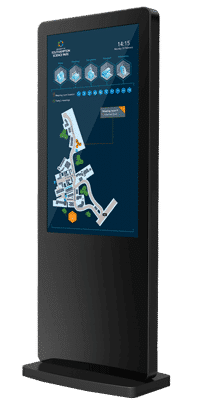
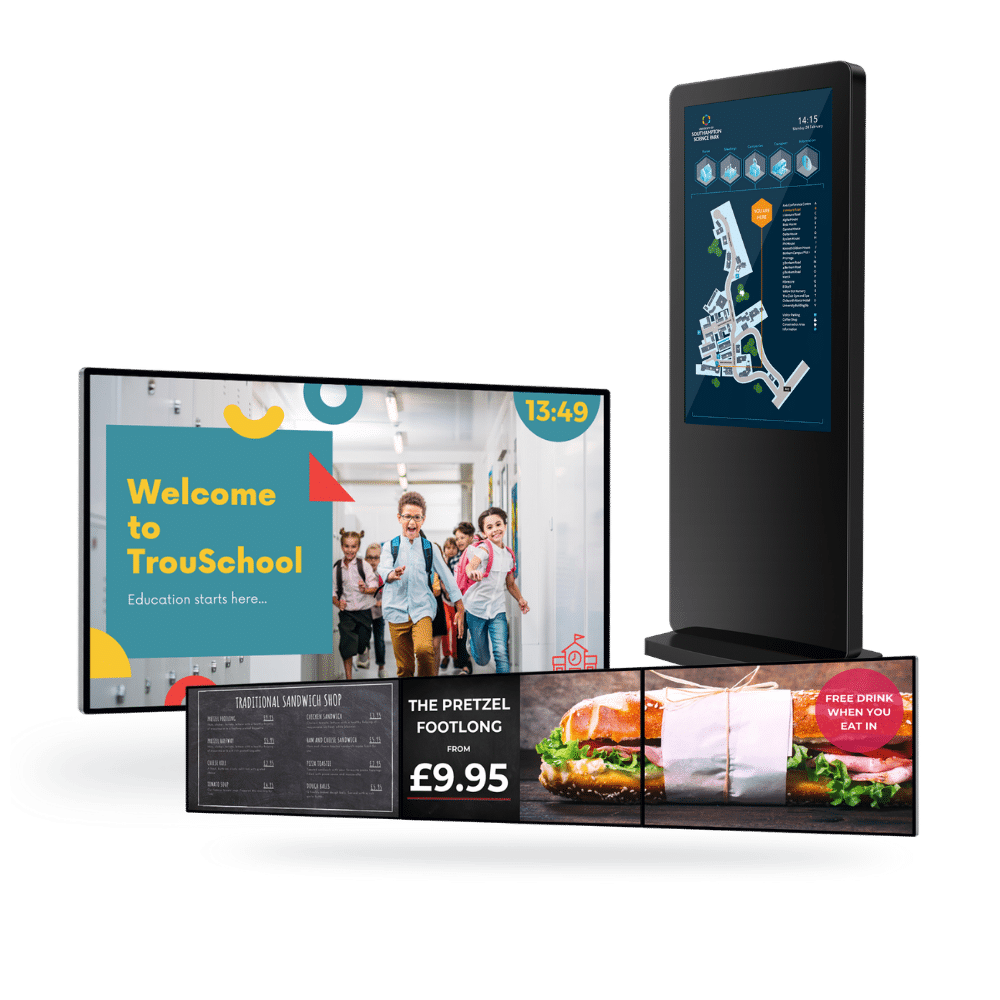
Sometimes called electronic or dynamic signage, we effectively mean ‘digital signs’. That’s digital screens used like traditional signs to convey information to an audience at a particular location. The category of digital signage extends past typical LED displays to include video walls, touch screens, digital kiosks, and even large tablets.
Unlike conventional signage, the digital variety can display multimedia content from images and video to streamed media, web pages, social media and animated text. This capability makes digital signage more engaging and eye-catching than its counter-part.
The popularity of digital signage springs partly from its scheduling functionality. Users can group content into playlists and allocate different times of the day, week or month for it to play. This makes the technology a widely useful marketing and communication tool.
What Is A Digital Signage Solution?
A digital signage ‘solution’ refers to a full digital signage system including all of its processes and components. It often consists of six main parts that we explain below.
1. Hardware - tangible devices that power and display your content to your audience. Hardware includes media players, screens, digital kiosks, and video walls.
2. Software - CMS that allows users to upload, create, schedule, and manage their screen content.
3. Connectivity - using ethernet, Wi-Fi, or 4G to connect your hardware to your digital signage CMS.
4. Installation - includes initial site surveys and quotes to wall-mounting and outdoor installation.
5. Content - the digital messages and creatives displayed on your digital displays. Either created on the CMS or is pulled in from pre-made templates.
6. Obtainment - how the end-users acquire and purchase various elements of their digital signage project.
Each part of a digital signage solution is critical to a project’s success. If one part isn’t done right, your project may not meet its original goals. Therefore, it’s important to do a good amount of research to make sure you pass each part with flying colours.
Why Do I Need Digital Signage?
Digital signage is for anyone who wants to effectively communicate messages to an audience.
Powerful scheduling functionality allow users to remotely control and automate their screens. This has allowed organisations to save an invaluable amount of time regarding content deployment and delivery.
Digital signage is helping organisations communicate with their audiences where and when it matters most. From health and safety messages, advertising, corporate messaging, and live social media feeds, to digital wayfinding and live data TV dashboards, digital signage does it all.
Understanding Your Digital Signage Needs.
To ensure a successful implementation, users must first understand their needs. Knowing this helps guide users to what solution best suits their requirements. To ensure success here are some good questions to start with.
1. How many screens do you need?
2. Is there a timeline for the project?
3. What type of content do you want to display?
4. How much are you looking to invest?
Knowing the answers to these questions will get your project off to a flying start.
What Is Digital Signage Hardware?
Digital signage hardware includes the devices that power and display your content to your audience. Hardware includes media players, screens, digital kiosks, and video walls.
Media Players
A media player is essentially a mini PC that connects to your screen. When you publish digital signage content, the media player will pull it from the cloud and display the content on the screen. Media players come in various sizes and power ratings to suit different projects. These devices are extremely energy efficient.
Screens, Kiosks, And Video Walls
Commercial-grade digital displays provide a level of quality, performance, and reliability you won’t find anywhere else. These digital displays are built for purpose with 24/7 usage and high brightness options. Whatever your project, there’s a screen to suit you.
Choosing The Right Digital Signage Technology.
Once you know your needs and have a budget in mind, you’re ready to source some digital signage hardware and technology.
In recent years the price of digital signage tech has dropped significantly. Screen prices have dropped, but how do you know what’s right for your project?
You’ll first need to think about your project’s needs and requirements. If displaying a live data feed is essential, then you will need a solution that can achieve this. If you are placing a screen in direct sunlight or in a window, a high brightness display may be required. Or, if you want to implement a digital wayfinding system, you’ll need interactive screens and wayfinding features.
If the technology, or provider, can’t meet your needs your project will ultimately fail. Therefore, make sure you do a good amount of research before you proceed.
Understanding the software
When it comes to digital signage software most people think of content management systems (CMS). Whilst they’re not wrong and CMS is a huge piece in the software puzzle, there are actually a few types of software you’re likely to encounter in your project...
Media Player
This concerns what software runs on the media players. The most popular types include Android, Windows, Linux, and SoC (System on Chip).
Android has quickly risen to popularity due to price, power, and reliability. Bespoke and additional apps and features can be easily applied to Android devices, making them a vendor favourite.
Media player can also provide juicy reporting metrics and features such as playback reports, content syncing, and overriding.
Project Management
Being able to consistently monitor the health of your screen project is key to its ongoing success.
Reporting allows users to monitor media player health and view content deployment statistics. Users can make sure their screen network is up and running at all times.
Remote support platforms such as TeamViewer ensures maximum screen uptime. If there is an issue with your screens, software, or media player, support teams can log in and sort issues out in seconds.
Cloud-based vs. Native
Native software (traditional) only allows users to control their screens on-site. Managing larger digital signage networks can therefore be challenging due to the time it takes to individually update each screen.
Cloud-based digital signage has shot up in popularity. Users can effortlessly control a large number of screens from any location. Usability has shot up too, through drag and drop solutions, users from all technical capabilities and backgrounds can create looking signage content.
Content Management System
Often called a content management system, a CMS allows users to upload, create, edit, schedule, deploy, and manage screen content for a network of displays. Nowadays most digital signage is cloud-based. This allows users to control their screens from any location.
Easy-to-use CMS generates digital signage success. Straightforward drag-and-drop functionality helps users effortlessly bring their ideas to life.

Cloud-based Digital Signage.
Cloud-based digital signage systems take full advantage of cloud-based technologies to provide users with lightning-fast, efficient digital messaging.
Through a clever partnership between media players and digital signage, when a user updates their content, it is sent to the cloud. The media player will then instantly pull the updated content from the cloud and display them on your screens.
Cloud-based digital signage has revolutionised digital messaging forever. Now users are able to make changes remotely to thousands of screens in a few clicks from one location.
Digital Signage Features And Integrations
Bringing screens to life all over the world

Social Media Integration
Extend your Twitter and Instagram reach through live social media feeds.

Photos & Videos
Simply upload photos and videos to your digital displays.

RSS News Feeds
Live scrolling newsfeeds help keep your audience entertained and informed.

Touch Screen Interaction
Bring screens to life with touch capabilities.

Live TV Integration
Entertain your audience and add value to your screens by displaying live TV with your content.

Scheduling
Fully automate your content deployment and save time with effective scheduling software.

Control a Network of Screens
From a central dashboard, manage large screen networks remotely.

Live Calendars
Keep your audience in the loop with seamless calendar integrations.
Microsoft Power BI
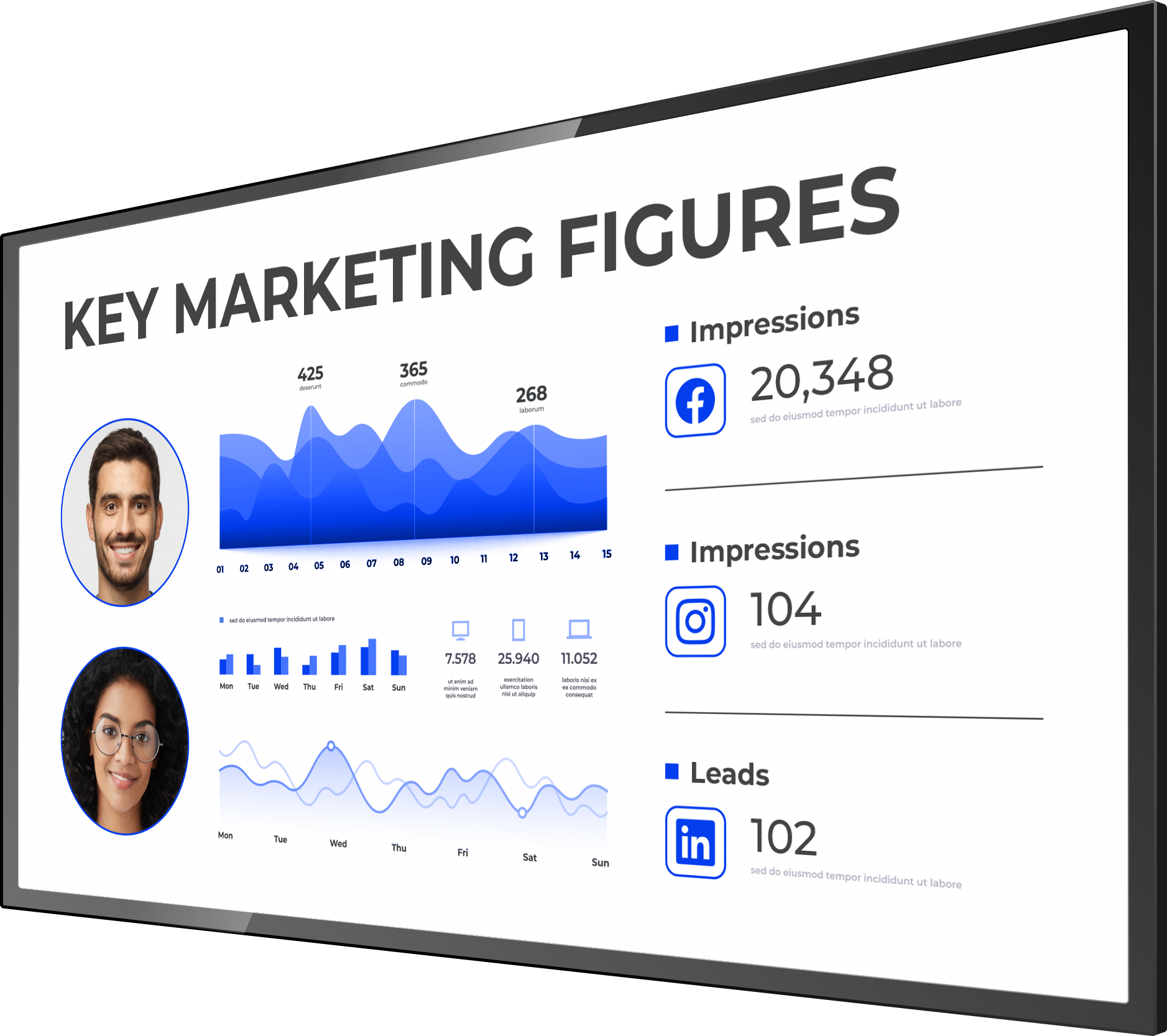
Display stunning live dashboards and reports with a simple Microsoft Power BI integration.

Google Workspace
Seamlessly display Google products such as Google Slides, Calendar, and more on your displays.

YouTube
Millions of YouTube videos ready to display on your screen at your fingertips.
Live Dashboards and Data Feed Integrations
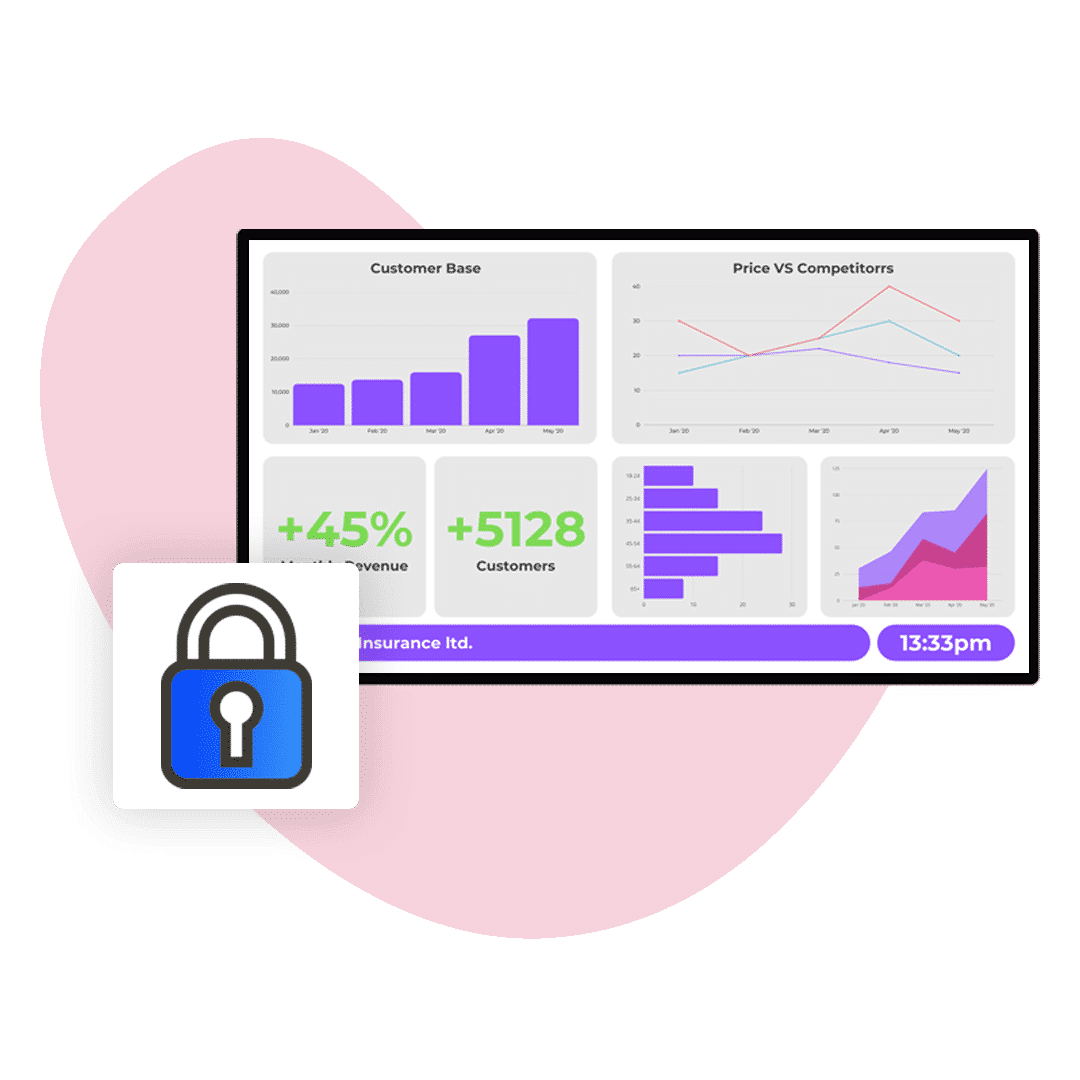
Instantly pull live data from a live API or CSV file, and display live charts to create engaging TV dashboards.
What Is Digital Signage Content?
Content refers to the videos, images, messages, and apps that appear on your screens. The goal of screen content is to inform, educate, entertain, direct, or serve an audience.
When it comes to your screen content, there is a huge amount of choice. From live weather, digital menus and social media feeds to live digital dashboards, bespoke integrations, and digital wayfinding, screens can do it all.
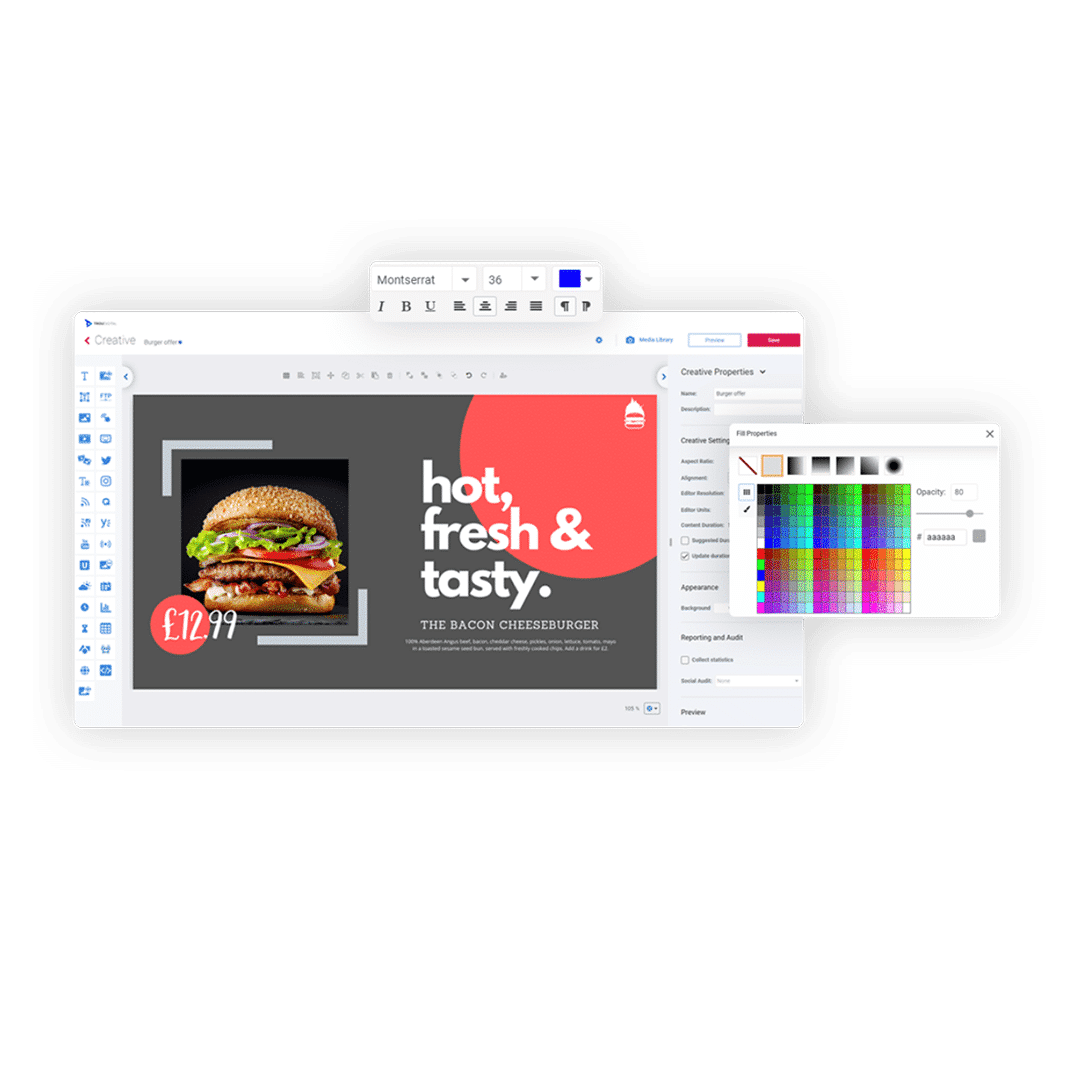
It’s never been easier to get your content onto a screen. Either upload premade images and videos or create your content from scratch using your digital signage CMS, or you can also take advantage of template add-ons and pull in dynamic, professional templates.
Utilise digital signage widgets in your CMS to supercharge the value and usability of your screens.
How Are Industries Benefiting From Digital Signage?
Almost anyone can benefit from digital displays. A wide range of industries use the technology, whether it’s to communicate with staff, market to customers or generate advertising revenue. Below are just some of the sectors we already work with and how signage is used.
Education
Digital displays for education allow schools, colleges and universities to display up-to-date information to engage students, staff and visitors.
Healthcare
Digital screens are popular in hospitals, dentists, pharmacies and vets. Information screens can be used to improve patient communication, reduce perceived waiting time and educate the public. Healthcare screens are also a great medium for promoting healthcare products or advertising private treatments.
Retail
Digital displays in retail are popular amongst independent shops and shopping centres alike. Studies have shown digital displays in retail can increase sales by as much as 29.5%.
Digital Wayfinding
Digital wayfinding has taken the digital signage industry by storm. Each year, more and more organisations are adopting digital displays to enhance navigation around their sites.
Digital wayfinding ranges from a simple arrow on a screen guiding users to a specific destination to fully interactive map networks. Industries such as education, manufacturing, and airports are all embracing the technology.
Hospitality
Digital displays have a variety of applications in the hospitality sector. Screens crop up in restaurants and hotels of all kinds to engage patrons.
Powerful content scheduling is highly popular within the hospitality industry. It allows organisations to schedule menus and welcome messages long in advance saving valuable time.
Digital restaurant menu boards are becoming hugely popular in the hospitality industry. Food looks delicious and different menus can be displayed at different times of the day.
Corporate
Digital screens are ideal for corporate internal communication. Popular in offices and other premises, it can be a great way to promote company values or display meeting room timetables.
In large corporate offices, digital wayfinding has proved to be a popular navigation solution. Through use of an interactive digital kiosk, staff and visitors alike can navigate large buildings with ease.
Entertainment
The entertainment industry spans everything from cinemas and theatres to casinos and sports venues.
Displays are often used for video and promotions. Digital screens for entertainment is great for enticing customers and guests with food and beverage offerings.
Real Estate
Out of all the industries, real estate perhaps benefits the most from digital property displays.
Installing screens in a window allows agents to automate the way they promote properties, avoiding a lot of manual work. Alternatively, estate agents can showcase a virtual property walk-through in the window to lure potential buyers.
Advertising
You don’t have to be an advertising agency to benefit from digital screens. Anyone can generate a second source of income with a signage network.
Displaying local Ads on a digital display at your organisation can provide a great source of income to invest back into the organisation.
Manufacturing
Manufacturers love digital screen network’s ability to automate and supercharge communications.
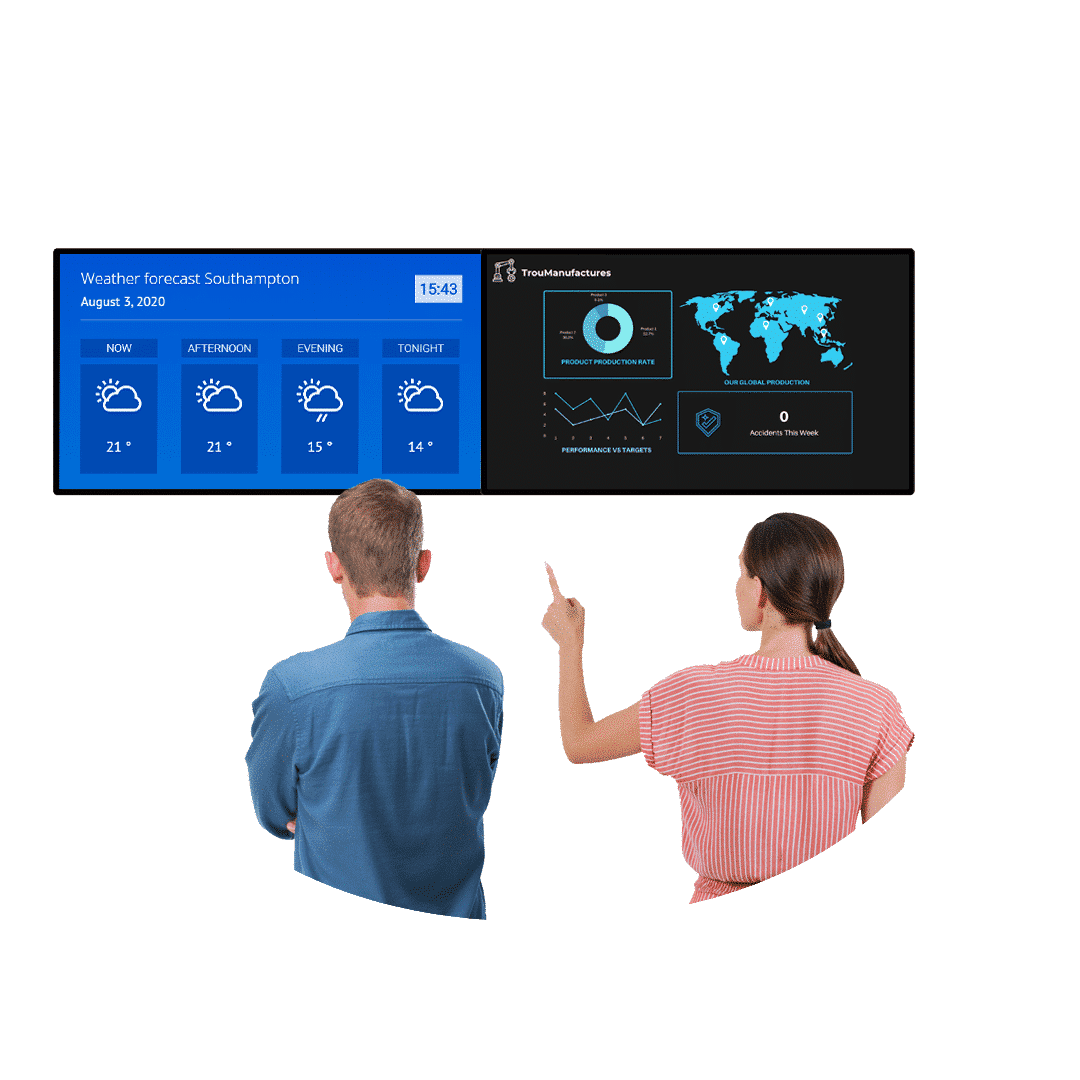
Thanks to seamless data feed integrations, live digital dashboards can be displayed around manufacturing sites and facilities. The ease of access to live metrics and machine reporting helps employees keep on top of production performance and targets.
Digital safety reminders and messages can be frequently displayed to remind employees of workplace hazards.
Screen triggers can be utilised for instant safety messaging. For example, if the fire alarm goes off on production line 4A, all the digital screens in the area can instantly play safety and wayfinding content.

"TrouDigital supported the British Airways Global Learning Academy as part of a company-wide service training initiative. The screens and technology are high quality and are an amazing addition to our training environment but it was the service provided from TrouDigital that really stood out."
Digital Signage FAQs
One of the greatest anxieties surrounding the transition to digital screens is the perception of high maintenance. It is assumed that content creation is an ongoing requirement and that managing a large network is complicated.
In reality, digital signage when optimised with the right solution is relatively minimal hassle. Especially when compared to creating, distributing and replacing the alternatives like posters. On the TrouDigital platform, engaging screens can be knocked up quickly in our drag-and-drop studio. Most importantly, digital signage can be fully automated. Maintenance is alleviated by the fact that screens can be programmed long in advance to loop content on different screens. Integrating content like social media streams and RSS feeds through our simplified widget menu is a great way of letting your screens ‘update themselves’. See for yourself in an online demo.
Want to find out more about digital signage?
Get a response from a human within 1-business day (often same day). 👇
The easiest way to manage your screens
See how TrouDigital can transform your digital signage. Get in touch with our friendly team today!
Request a demo