
Keep Students Up to Date
Show daily announcements, exam dates, homework reminders, clubs, assemblies, attendance messages and important school notices where students will see them.
Make school-wide communication clearer, faster and more engaging with digital signage for schools from TrouDigital.
Display announcements, timetable changes, exam dates, event reminders, lunch menus, school news and student achievements on screens throughout your school.
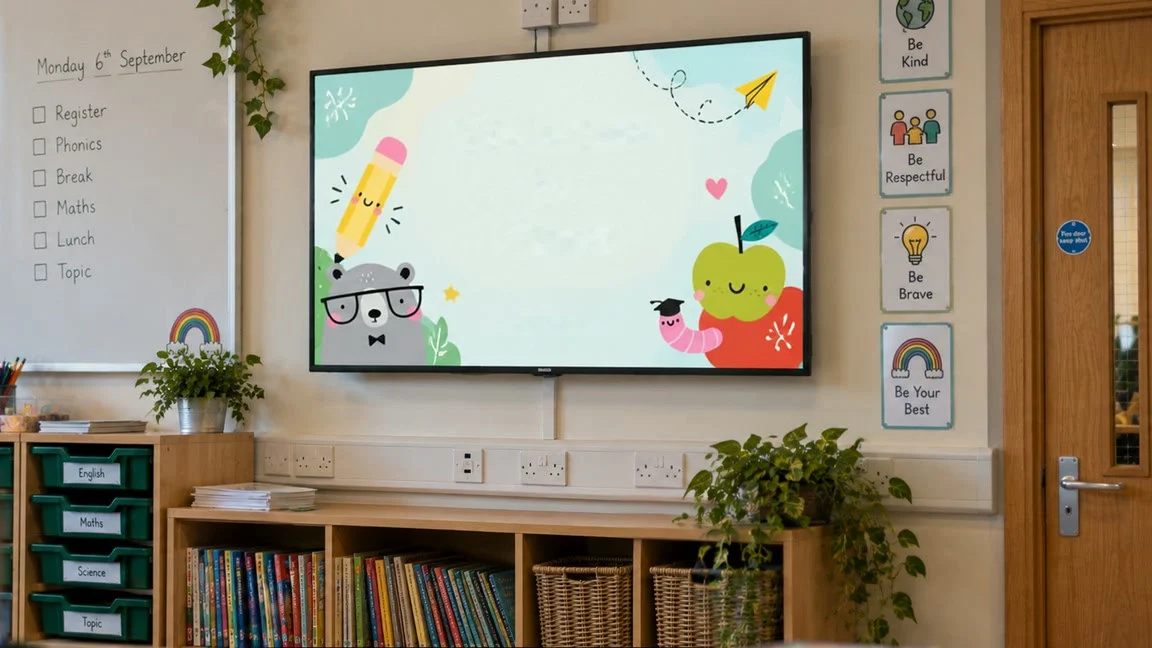






Digital signage in schools provides a simple way to communicate important information without relying solely on printed posters, noticeboards or verbal announcements.
With TrouDigital's cloud-based digital signage software, staff can update screens remotely and publish changes instantly. Our software makes managing your school's screens simple.
Show daily announcements, exam dates, homework reminders, clubs, assemblies, attendance messages and important school notices where students will see them.
Use staffroom and internal displays for meeting reminders, training dates, staff announcements, room changes and operational updates.
Welcome visitors with reception screens featuring directions, helpful information and updates on what is happening across the school.
During open days, parents' evenings and school events, use digital displays to provide schedules, room information and important instructions.
From digital screens to interactive displays, we offer a range of hardware designed to suit different school environments and needs.
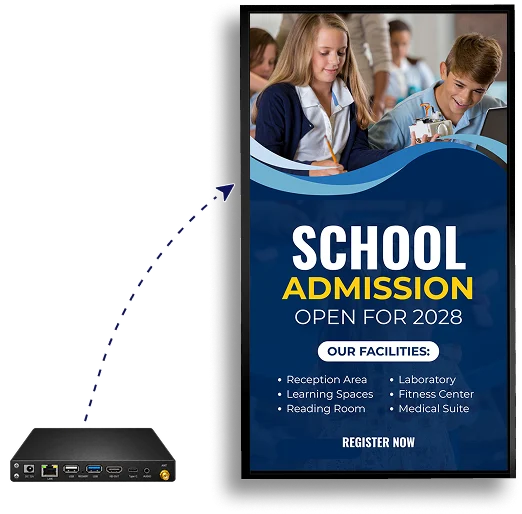
If you already have compatible screens, our digital signage media players make it easy to get started without replacing every display. Media players and other equipment may still be required.
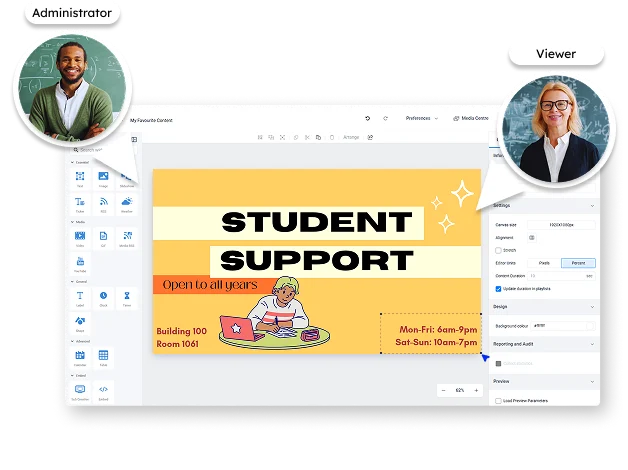
Use account permissions to control who can create, edit and publish content to your school’s screens.
Make school navigation easier with digital maps, clear directions and location guides that help students, staff, parents and visitors find their way around your campus.
Learn more about Digital WayfindingProvide your school with high-quality digital screens and media players to display important information across classrooms, corridors, reception areas and communal spaces.
Learn more about Digital Signage HardwareSimplify school communications by creating, organising and publishing announcements, schedule updates, event details and student news from one easy-to-use platform.
Learn more about Digital Signage SoftwareDigital signage gives schools a simple, effective way to share information, keep students and staff up to date, and communicate with visitors.
Arrange a demo with our team to get a closer look at the software and discuss how it could fit into your school.
We'll help you work out what you need, answer any questions and recommend a setup that suits your requirements.
“I have been using the TrouDigital platform for our school over a number of years now and I would have no hesitation in recommending them. The technical support service is excellent and they promptly return missed calls if they are busy! Always willing to help and go the extra mile.”

“We’re a busy college based in central London so digital signage that would engage students was a priority for us. I chose TrouDigital’s solution as it was the most intuitive and the team were friendly. We asked about showing our timetables on our screens and they developed a bespoke integration for us.”

An internet connection is required to manage and update your screens through the cloud-based platform. Once supported content has been downloaded to the media player, it can continue playing locally. Live feeds, websites and other online content may still need an internet connection.
Yes. A single TrouDigital account can be used to manage screens across different buildings and locations. Screens can be organised into groups, making it easier to publish content to a specific campus, building or area.
Screens can display educational videos, presentations, lesson information, websites and other digital resources. This allows the same digital signage infrastructure to support both school communication and classroom activities.
Yes. Different content can be assigned to specific screens or screen groups. This allows schools to show information to particular audiences or locations rather than displaying every message across the entire campus.
Yes. Schools can begin with a small deployment and add additional screens as their requirements grow. New displays can be added to the same digital signage network and managed through the existing platform.
Tell us how many screens you need, where they'll be installed, and what you want to display to receive a tailored quote.
You can also explore our pricing page to learn more about our software packages.