
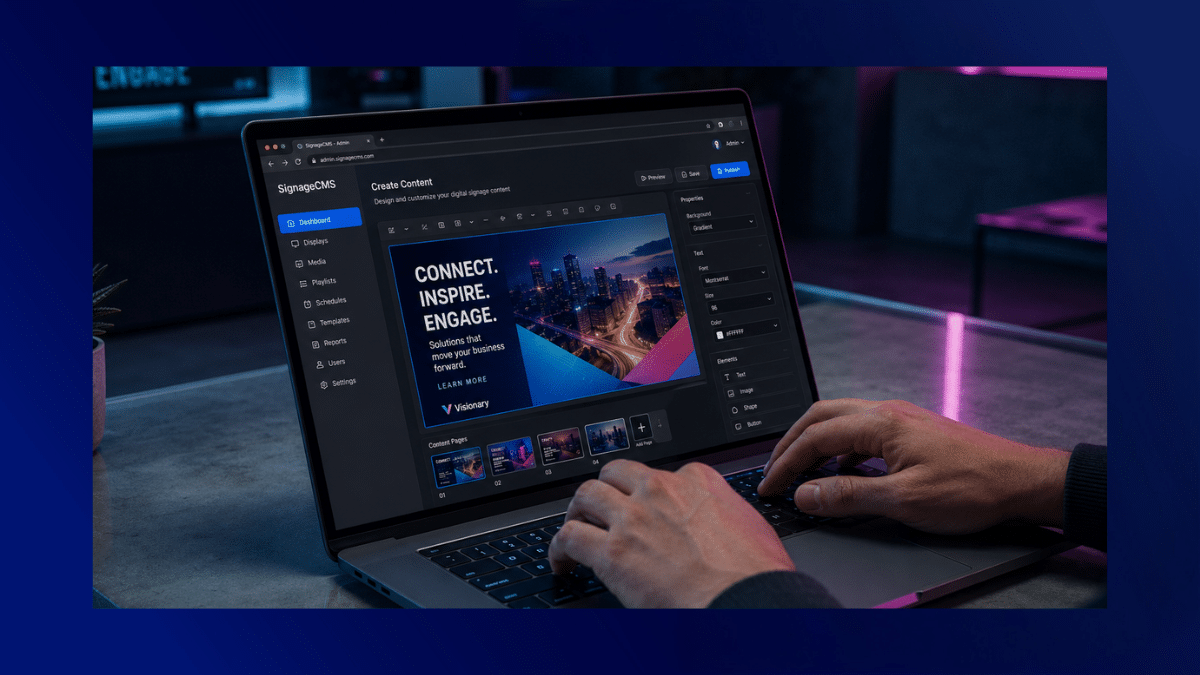
When you manage screens across your organisation, your content needs to reflect your brand, your policies, and important safety information.
Without a decided way to work, issues can arise. Outdated messages remain visible, incorrect updates are published, and teams overwrite each other’s work. This is why governance in your digital signage content management system is so important. It protects your brand, your people, and your compliance status.
Here’s a straightforward way to keep on top of it.
Why content governance matters (brand, legal, safety)
Using office digital signage to communicate with employees or visitors influences how information is perceived and acted on.
Strong governance helps you to:
- Keep branding consistent across every location
- Prevent unauthorised edits
- Ensure legal and regulatory compliance
- Maintain accurate safety messaging
- Create accountability if something goes wrong
In healthcare, manufacturing or education, incorrect or out-of-date signage can create genuine risk. Even in corporate offices, displaying outdated HR policies or incorrect event details can damage trust and credibility.
A structured digital signage content management system gives you confidence that what appears on screen is approved, accurate and intentional.

Features to look for: version control, audit logs, user-roles, approvals
If governance matters to you, your software needs to support it properly. The right digital signage software solutions will include these core features.
Version control
Version control tracks changes over time.
Instead of overwriting content and losing history, you can:
- Restore earlier versions
- Compare edits
- See who made changes
This is particularly important for policy-driven or regulated content. If you need to demonstrate what was displayed at a specific time, version history provides that record.
Audit logs
Audit logs show activity across your platform, including:
- Who uploaded the content
- Who edited or approved it
- When it was scheduled or removed
That visibility protects you and creates accountability.
User roles and permissions
Not everyone needs the same level of access.
A strong digital signage content management system allows you to assign roles such as:
- Admin (full control)
- Editor (create and edit)
- Approver (review and sign off)
- Viewer (view-only)
Setting permissions reduces accidental errors across your office digital signage network.
Approval workflows
Approval workflows add structure before content goes live.
For example:
- HR reviews internal policy slides
- Legal approves compliance messaging
- Health and safety signs off-site instructions
This step protects your organisation without creating roadblocks. QHSE professionals can check information before it goes live, and schedule changes.
How TrouDigital enables workflow governance
TrouDigital’s platform supports structured workflows within a secure, cloud-based system. You can:
- Assign user roles across departments or regions
- Control who can publish to specific screen groups
- Track activity through detailed logs
- Maintain version history
- Introduce approval stages before publishing
If you’re running multi-site office digital signage, grouping tools allow central oversight with local flexibility. Head office can manage the higher-level, brand-critical messaging, while local teams can update relevant content within controlled permissions.
These permissions help you stay consistent but not restrictive.
If you’re reviewing how signage fits into your wider communication strategy, this digital workplace guide is a useful starting point.
Case example: safety signage in a healthcare setting
Imagine you manage screens across a healthcare facility.
You’re displaying a variety of content, from:
- Infection control updates
- Emergency procedures
- Visiting policies
- Department-specific instructions
Then, a policy changes. Without version control, someone edits the live slide directly. The previous version disappears. There’s no approval trail. No record of what was displayed last week.
In an environment where information needs to be accurate, it can be a really serious issue.
With structured processes within your digital signage content management system, the process could look like this:
- A communications lead drafts the update.
- The infection control team reviews and approves it.
- The approved version is scheduled to relevant screen groups.
- The previous version is archived automatically.
- Audit logs record every action.
If questions arise later, you have traceability.
This is where digital signage software solutions support not just communication, but operational security.
Building your governance framework: roles, templates, review cycles
A simple framework can keep everything manageable:
1. Define roles clearly
Be explicit about:
- Who creates content
- Who reviews it
- Who publishes it
- Who oversees compliance
Clarity reduces confusion and protects your office digital signage network from confusion.
2. Use templates for consistency
Templates help you maintain brand consistency.
For example:
- Pre-approved layouts for safety messages
- Locked brand elements
- Standardised disclaimers or footer information
Templates make it easier for teams without needing design expertise.
3. Set review cycles
Not all content should stay live indefinitely.
Introduce simple review schedules:
- Quarterly compliance checks
- Monthly internal campaign reviews
- Immediate review for policy updates
Version tracking within your digital signage content management system makes this process easier and more reliable.
Bringing it together
Content governance isn’t about restricting team creativity, but more so about protecting your organisation.
When your office digital signage is supported by clear roles, structure and version control, it gives you:
- Brand consistency
- Legal confidence
- Reduced internal friction
- Clear accountability
- Stronger trust in your messaging
The right digital signage software solutions help you publish content without stress.
When reviewing your signage setup, you should ask yourself whether you know exactly what’s live, who approved it and when it was updated.
If not, strengthening your governance framework is the next practical step.